
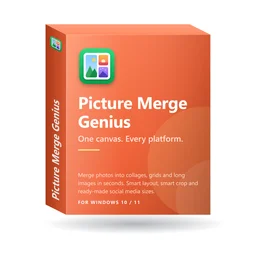
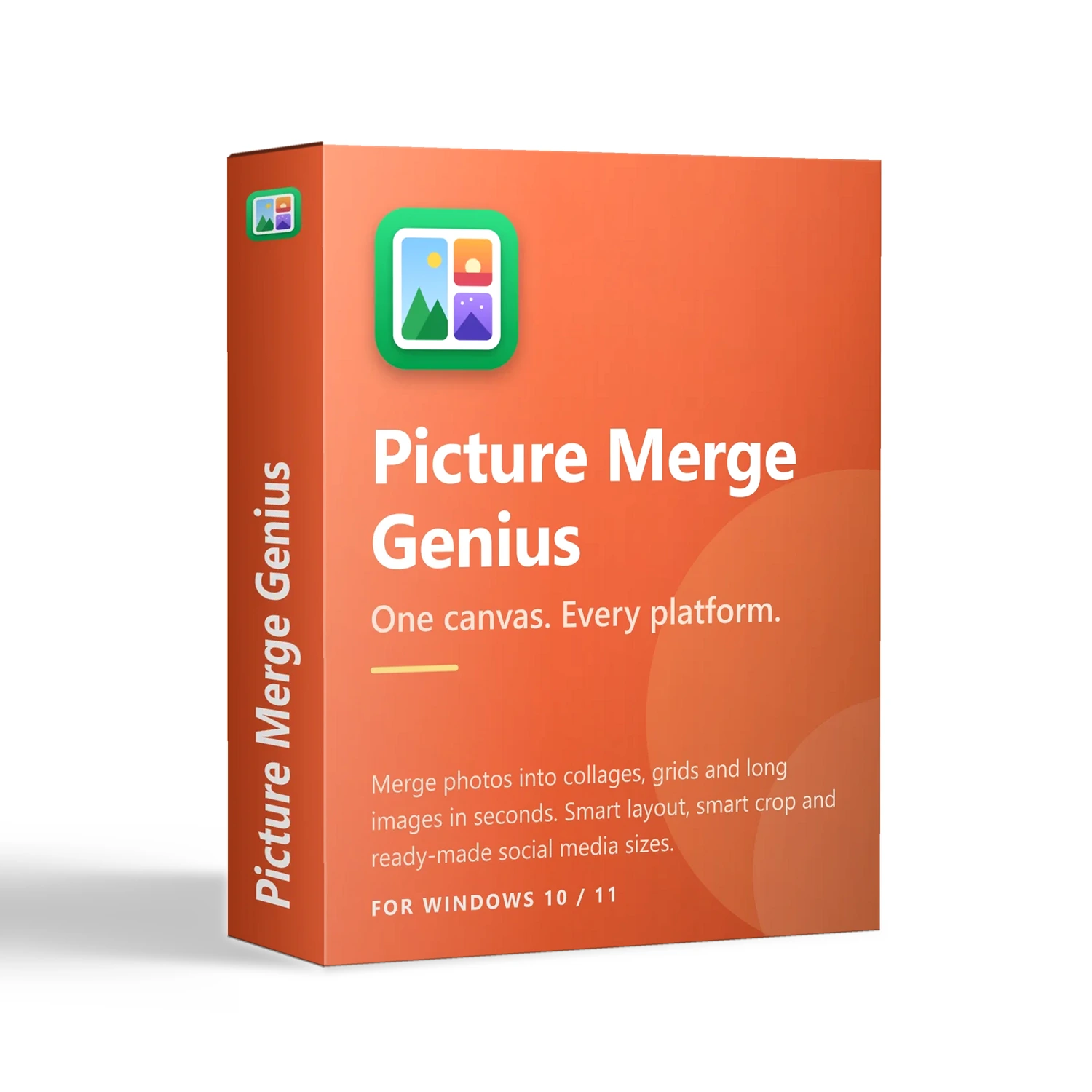
Picture Merge Genius
30-Day Money-Back Guarantee: Not satisfied? Cancel within 30 days for a full refund, no questions asked.
- Merge photos into one polished image with three modes: Collage, Grid and Stitch (long images with no cropping)
- Smart Layout, Smart Arrange and Smart Crop choose the layout, place each photo and keep the subject in view
- Draw your own layout and save it as a template; start from canvases for Instagram, Facebook, YouTube, Pinterest and more
- Add text, spacing, rounded corners and shadows; opens JPG, PNG, WebP, HEIC and more; saves to a file or the clipboard
- 100% offline, photos are never uploaded; Windows 10 or later; free 15-day trial with every feature unlocked
Product Details
Overview
Picture Merge Genius is a Windows application that turns a folder of photos into one image worth sharing — in seconds. Add photos, pick a layout, save. Three merge modes, smart features that handle layout, placement and cropping, a draw-your-own-layout tool and ready-made canvas sizes for the major social platforms make the result look designed, without anyone having to be a designer.
Everything happens locally on your PC. Your photos are never uploaded.
Three Ways to Merge
- Collage — dozens of built-in layouts. Choose Classic rectangles for a tidy look, or Creative for slanted splits, circles, hearts, hexagons, stars, polaroid cards and film strips. Drag inside a cell to reframe a photo; drag one photo onto another to swap.
- Grid — equal cells in neat rows and columns, in any size you choose. Ideal for product catalogues and uniform galleries.
- Stitch — joins whole photos end to end, horizontally or vertically, without cropping anything. Built for long screenshots, chat threads, receipts and panoramas.
Smart Features That Do the Fiddly Work
- Smart Layout — add photos to an empty canvas and the app picks a layout that fits them all, sending portraits to tall cells and landscapes to wide ones
- Smart Arrange — chooses the layout that suits your set best and places each photo where it needs the least cropping
- Smart Crop — when a crop is unavoidable, keeps the most detailed part of the picture, usually the subject, in view instead of always cutting around the centre
Draw Your Own Layout
When presets are not enough, draw lines on the canvas to split it however you like. Sketch a circle, box or triangle and it becomes a cell of that shape. Your strokes are tidied automatically, and finished designs can be saved as reusable templates — so a brand’s signature layout is created once and used forever.
Built for Every Platform
- Social media — Instagram post (1:1, 4:5) and Story/Reels (9:16), Facebook cover and post, X (Twitter) post and header, YouTube thumbnail, Pinterest pin (2:3), LinkedIn post, WeChat article cover, Xiaohongshu (3:4)
- General — Square 1:1, A4 page, 2K wallpaper and custom sizes
One set of photos, many destinations — without re-cropping from scratch each time.
Make It Yours
- Text — font, bold / italic / underline, colour, background, alignment and opacity for captions, titles and memes
- Look and feel — spacing between photos, rounded corners, shadows, background colour, zoom and rotation inside each cell
- One-click helpers — shuffle photos, swap canvas orientation, fit the whole image to the frame
Private by Design
Most online collage tools work by uploading your pictures. Picture Merge Genius does not: merging, cropping and exporting all happen on your computer, and there is no photo account or cloud library. That makes it suitable for client work, unreleased products, family photos and internal screenshots.
Works With the Files You Already Have
- Opens — JPG, PNG, BMP, GIF, TIFF, WebP and HEIC, with each photo’s orientation respected automatically
- Saves — JPG, PNG (with transparent background), BMP, TIFF or GIF, or copies straight to the clipboard to paste into chat, email or documents
- Languages — English, Simplified Chinese, French and Spanish
Who It’s For
- Online sellers — clean product grids and comparison images
- Creators and influencers — one batch of photos, packaged for every platform
- Travelers and families — a whole trip in one shareable image
- Office, support and education users — long screenshots, chats and receipts joined into one tidy picture
- Anyone making memes, announcements, mood boards or keepsakes
Try It Risk-Free
- 15-day free trial with every feature unlocked — no sign-up needed to start
- After the trial the app keeps working; exported images carry an “Unregistered” watermark until you register
- Registration removes the watermark; activate online with your name, email and license key
System Requirements
- Windows 10 or later (64-bit and 32-bit installers)
- Microsoft .NET Framework 4.6.2 or later