

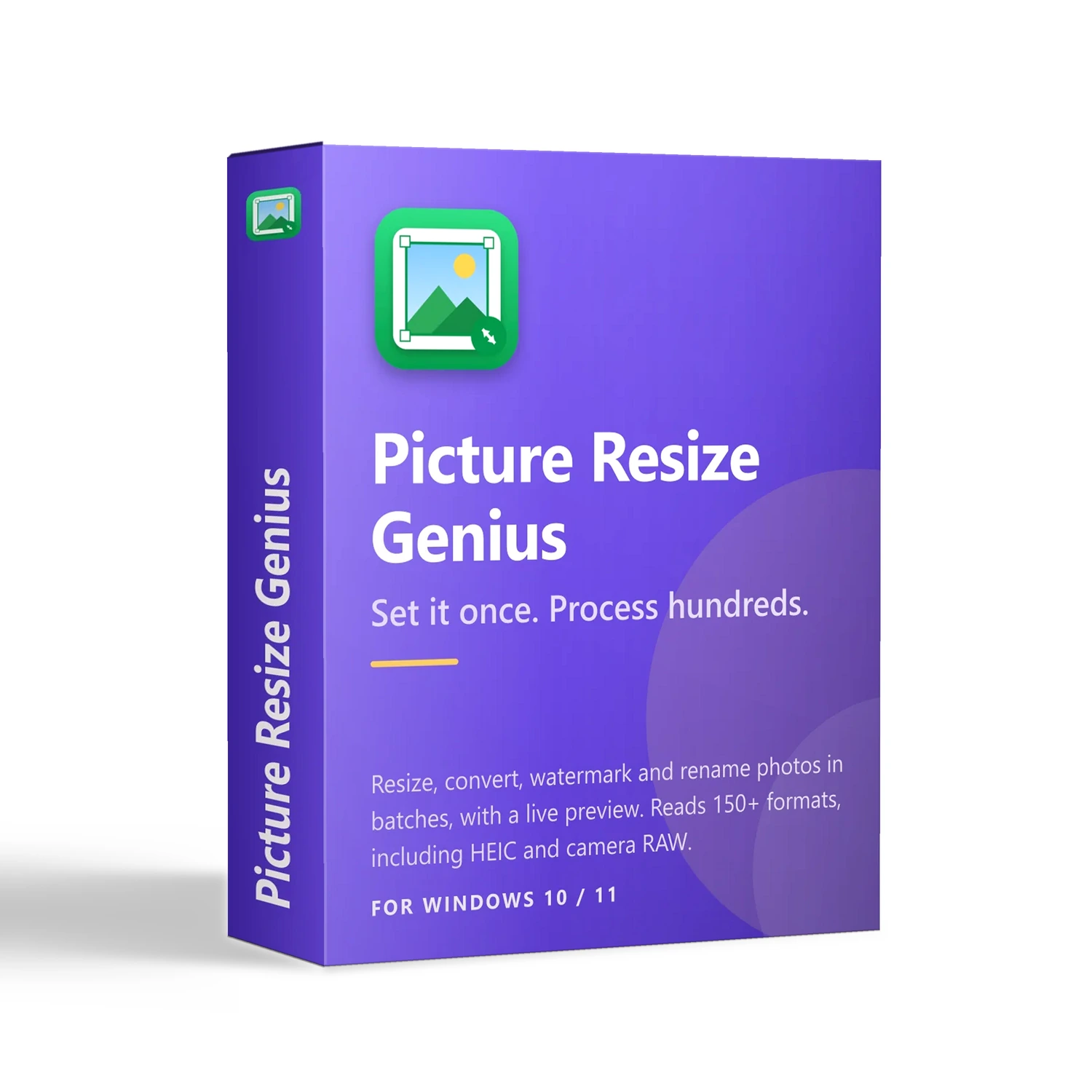
Picture Resize Genius
30-Day Money-Back Guarantee: Not satisfied? Cancel within 30 days for a full refund, no questions asked.
- Resize, convert, watermark and rename hundreds of photos in one pass, with a live preview and estimated file size before you save
- Resize by pixels or percentage; keep proportions, crop or fill; only shrink, never enlarge; set the output DPI
- Reads 150+ formats including HEIC, AVIF, PSD and camera RAW; writes 60+ including JPEG, PNG, WebP, TIFF and PDF
- Text or logo watermarks that auto-scale to every image, smart renaming with EXIF fields, one-click metadata removal
- Originals are never overwritten and nothing is uploaded; multi-threaded; free 15-day trial
Product Details
Overview
Picture Resize Genius is a batch image processor for Windows. Resize, convert, watermark and rename in a single pass: set your rules, preview the result and its file size, then press Start. Your originals stay untouched, and your pictures never leave your PC.
A wedding shoot with 800 photos, 300 new product images for a marketplace, a website redesign that needs every asset recompressed as WebP — none of it takes creativity, and all of it used to take an afternoon. Now it takes two steps.
Key Features
- Resize exactly — by pixels or percentage, with fit modes to keep proportions, crop to size, or fill and trim
- Only shrink, never enlarge — images already smaller than the target are left alone, so they never turn blurry
- 150+ formats in, 60+ out — including HEIC, AVIF, PSD, PDF and camera RAW
- Watermark everything at once — text or logo, auto-scaled to each image
- Smart renaming — build names from serial numbers, dates and EXIF fields, with a live example
- Live preview — the full pipeline runs, showing before and after size and estimated file size
- Privacy protection — strip EXIF and XMP metadata, including GPS location, in one click
Make Images Exactly the Size You Need
- Fixed width, fixed height, exact dimensions, or a percentage
- Nine-point crop anchoring (corners, edges, centre), or random
- One-click common sizes: 1920×1080, 1280×720, thumbnails, avatars, web and email sizes
- Change the output DPI for print or web
Read 150+ Formats, Write 60+
- Reads — JPG, PNG, WebP, HEIC/HEIF, AVIF, TIFF, PSD, GIF, BMP, SVG, PDF and camera RAW from Canon, Nikon, Sony, Fujifilm, Leica and others (CR2/CR3, NEF, ARW, DNG, ORF, RW2, RAF, PEF, X3F…)
- Writes — JPEG, PNG, WebP, TIFF, BMP, GIF, PSD, PDF, JPEG 2000 and more, or keeps each image in its original format
- Quality control for JPEG, PNG, WebP, JPEG 2000 and other formats that support it
- Formats that cannot be re-saved, such as camera RAW, export to JPEG automatically
Watermark and Rename
- Text watermark — font, size, bold / italic, colour, opacity and rotation
- Image watermark — use your own logo, with transparency preserved
- Nine-point placement or random position, with adjustable margin; the same watermark keeps the same proportions on a thumbnail and on a large photo
- Renaming — original name, zero-padded serial number, modified or capture date and time, and EXIF fields such as camera model, artist, exposure, F-number and ISO; custom start number and step
See It Before You Save It
The scariest thing about batch processing is finding the mistake afterwards. Here the preview actually runs the full pipeline — resize, watermark, output format and quality — and shows the before and after dimensions, format and estimated file size. Toggle between Original and Processed to compare the same detail, page through photos, zoom, and remove any image you do not want in the batch.
Originals Safe, Privacy Intact
- Originals are never at risk — results are always written as new files, and name collisions get an automatic (1), (2) suffix
- Your data stays on your computer — all processing is local: no uploads, no cloud queue, no account needed to get work done
- Keep the details you need — optionally preserve each file’s original created and modified dates
- Photos are auto-rotated to the correct orientation on import, and the embedded EXIF thumbnail is removed when metadata is kept, so a cropped or watermarked result cannot leak the original
Fast by Design
Multi-threaded processing uses several CPU cores at once, Windows fast-path decoding keeps thumbnails and previews quick, and the industry-standard ImageMagick engine gives broad format coverage and consistent results.
Who Uses It
- Photographers — turn a RAW shoot into deliverable JPGs: consistent size, copyright watermark, sequential names
- Online sellers — normalise product photos to the exact size and format a marketplace requires, such as 800×800
- Web and app developers — batch-generate correctly sized, compressed assets with predictable file names
- Social media creators — brand every image with a logo or text watermark in one consistent style
- Offices and archives — convert mixed legacy and RAW files into tidy, space-efficient ones, with metadata stripped before distribution
- Design and publishing — separate versions at different DPI and sizes for print and web
Up and Running in Three Steps
- Add — click Add Images or Add Folder, or drag files and folders into the window
- Set — choose your rules on the Size, Watermark and Output tabs, watching the preview as you go
- Process — confirm the output folder and click Start processing
Free Trial, License and Requirements
- Free 15-day trial with the full feature set — no account needed to try it
- After purchase, enter your name, email and registration code to activate online; the trial limit is lifted immediately
- A single purchase gives you a perpetual license for the current major release series
- Platform — Windows 10 or later, with 64-bit and 32-bit installers; Microsoft .NET Framework 4.5.2 or later
- Languages — English, Simplified Chinese, French and Spanish